OLAB
A visual workflow, documentation, and data-management platform combining canvases, documents, relational tables, and AI-assisted workflows.
- Engagement
- Yadn
- Role
- Software engineering lead / lead developer
- Contribution boundary
- Waqar reports designing and developing OLAB from scratch at Yadn across the application architecture, core editing surfaces, data workflows, backend integrations, and AI capabilities.
The product
OLAB brings visual workflows, rich-text documents, and relational tables into one platform for documenting and managing company operations. I designed and developed it from scratch at Yadn during 2024–2025, working across the application architecture, frontend, backend integrations, workflow canvas, document editor, structured-data features, and AI capabilities.
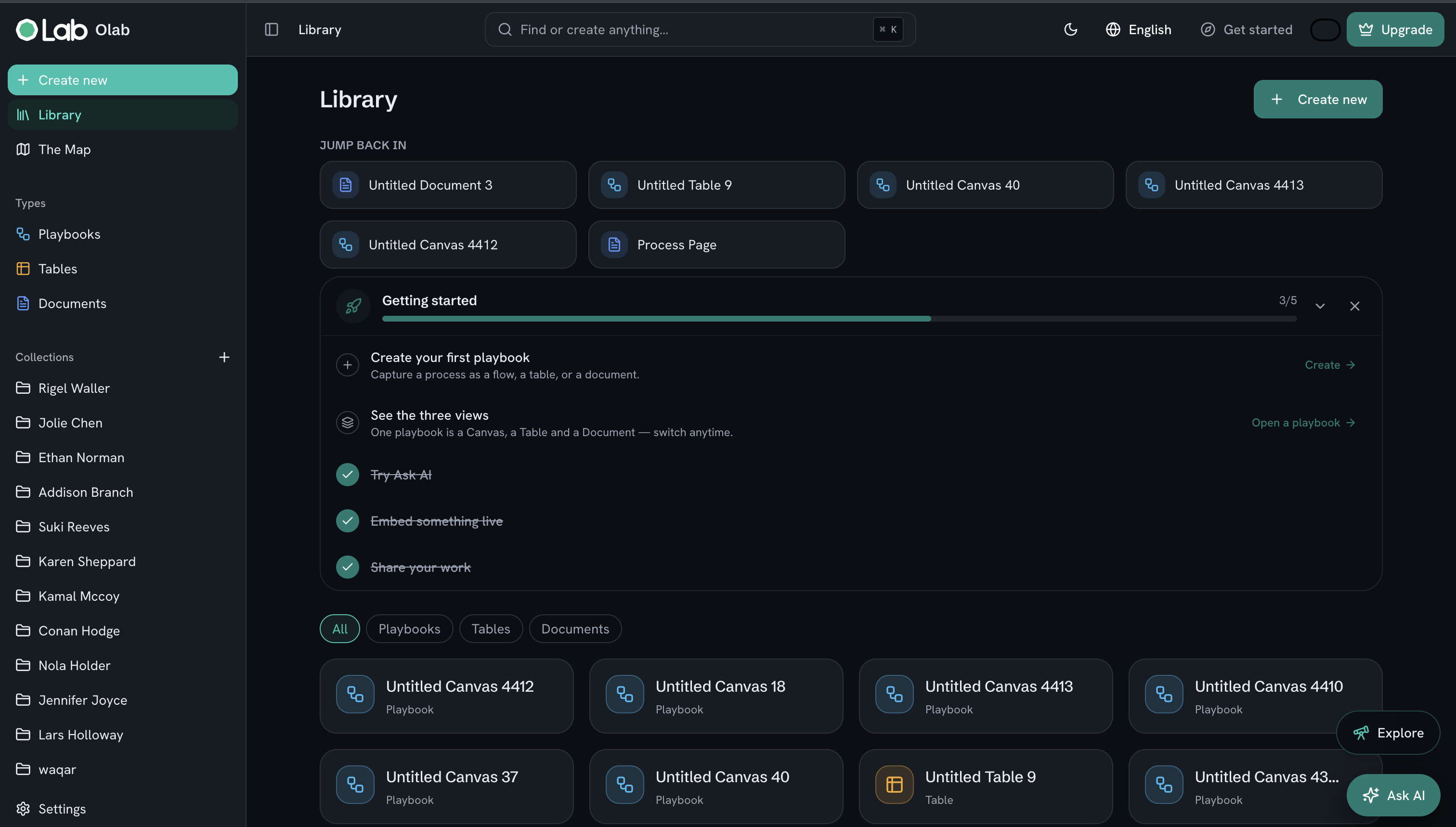
Company processes often live across separate tools: diagrams explain how work moves, documents describe the details, and spreadsheets hold the supporting data. OLAB was built to bring these different forms of information into a shared workspace. Users could map a process visually, write supporting documentation, and organize operational information in structured tables. AI capabilities helped users create and edit workflows and find information in existing documents.
The platform combined the flexibility of a diagramming tool with document editing and relational-data functionality.
Visual workflow canvas
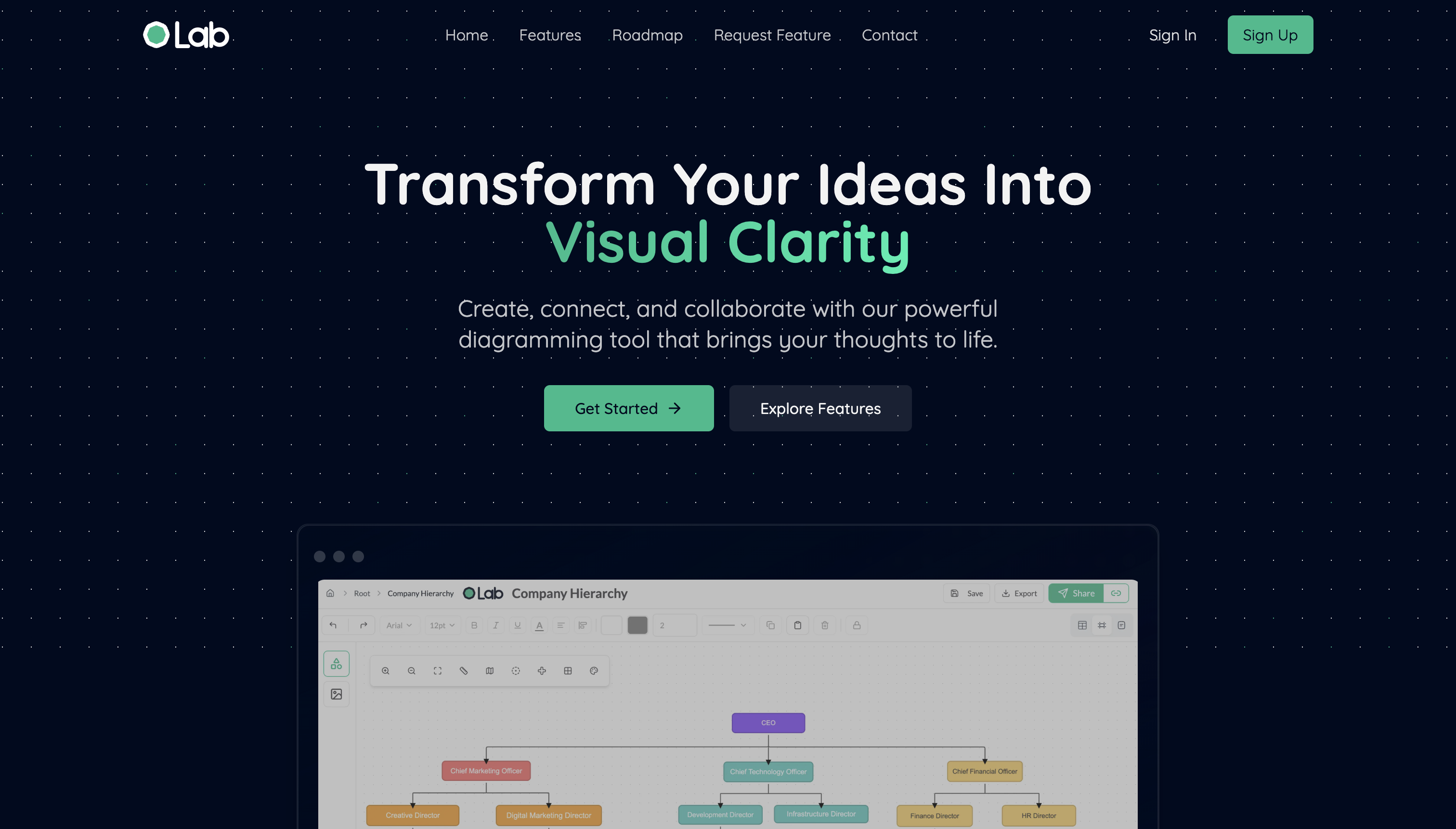
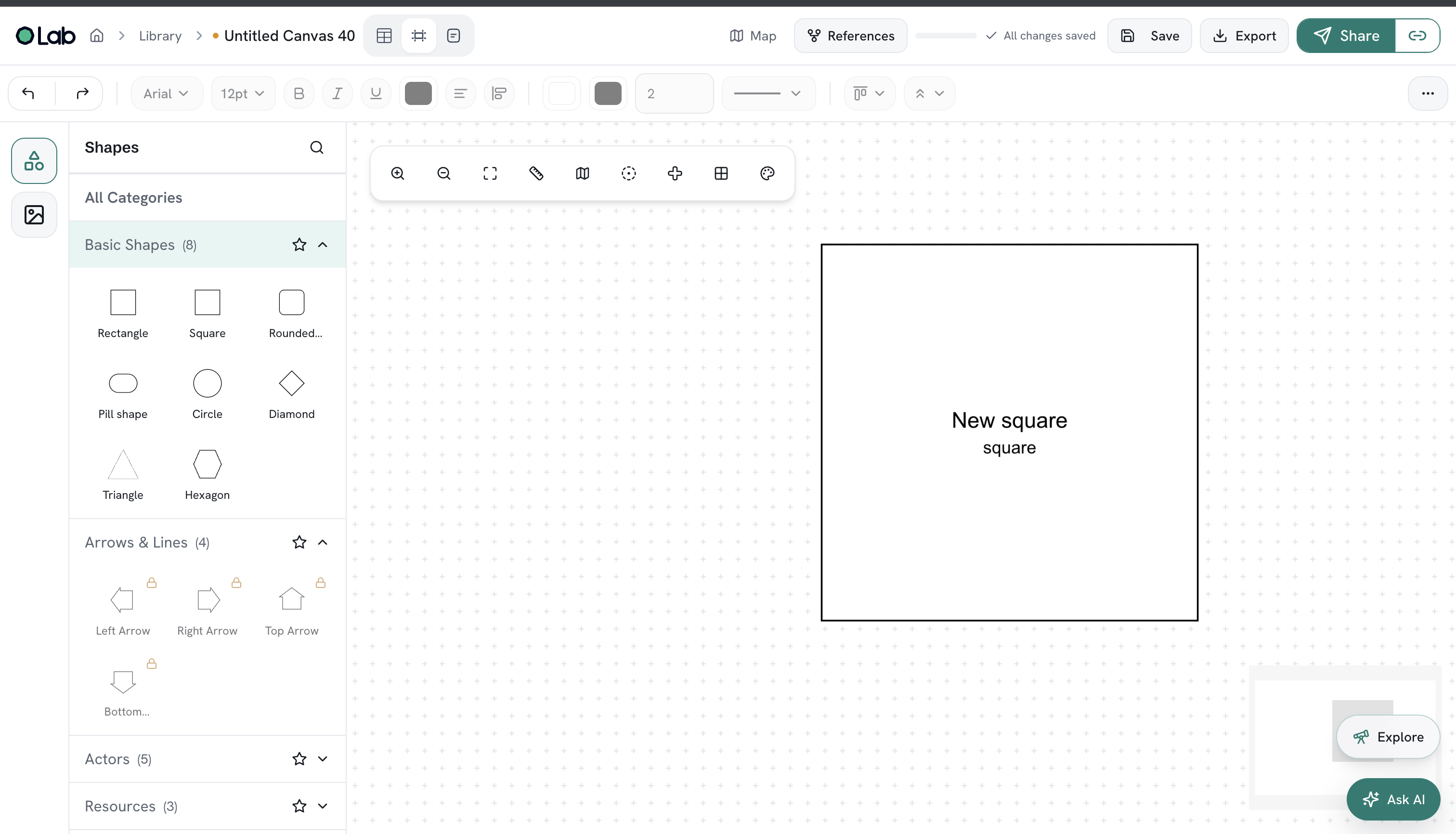
The canvas was a central part of OLAB. I built it using React Flow to provide a Draw.io-style interface for representing company processes through connected nodes and edges.
Users could arrange workflow steps visually and connect them to describe how a process moves from one stage to another. This made it easier to communicate operational flows and understand relationships between steps.
My work involved integrating the interactive canvas into the React application and building the surrounding interface for working with visual workflows.
Relational tables and structured data
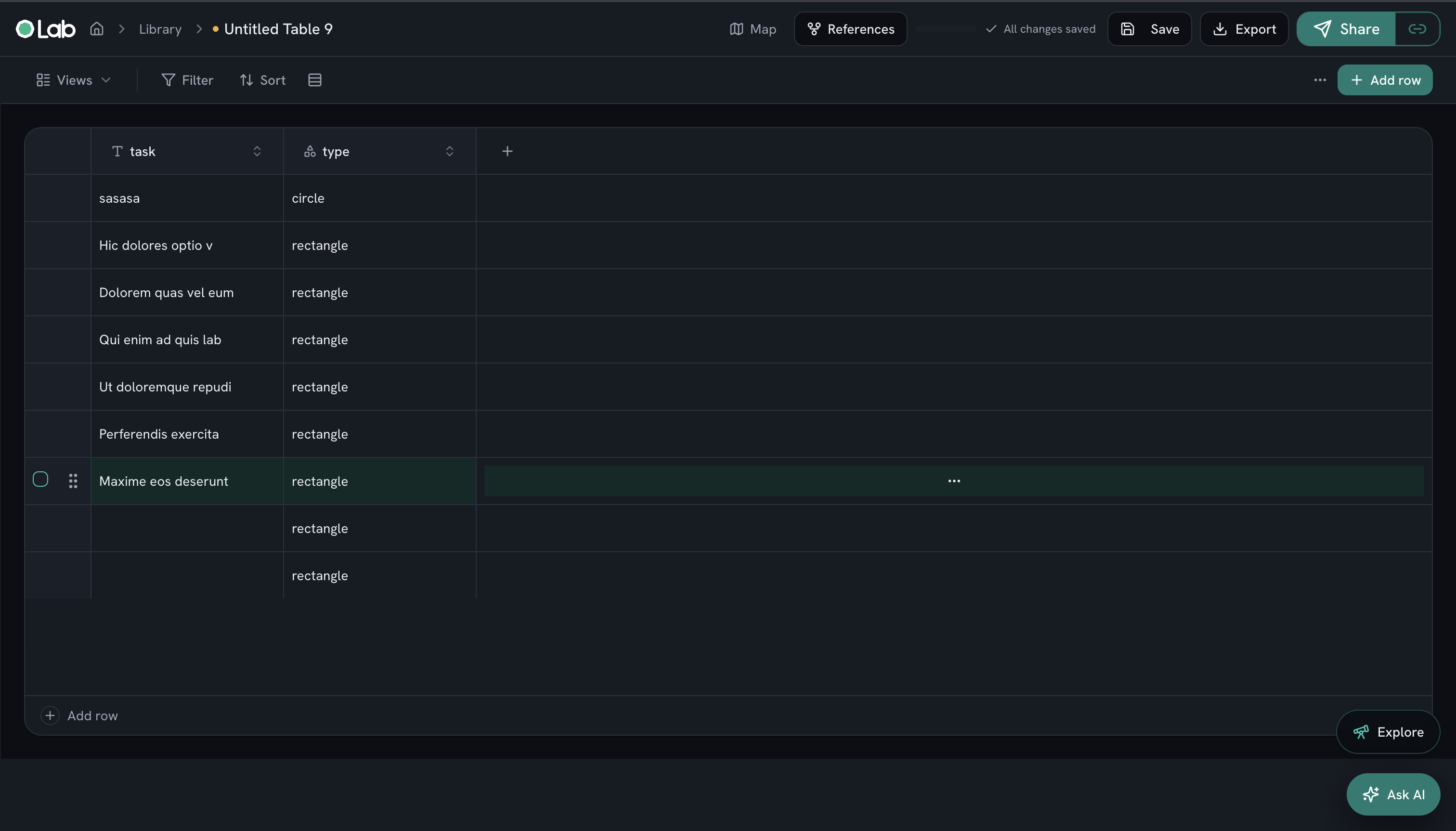
OLAB also supported structured information through relational tables. These went beyond basic rows and columns, giving users ways to connect records, calculate values, and view the same information from different perspectives.
The functionality included:
- Linked records: Connect related records to represent relationships between operational information.
- Rollups: Summarize information from related records.
- Custom columns: Adapt table structures to the information a team needed to capture.
- Computed columns: Derive values from existing data.
- Filters: Narrow information to relevant records.
- Synchronized views: Maintain consistent underlying data across different views.
These features supported the data side of process documentation, complementing the visual canvas and written documents.
Custom multi-page document editor
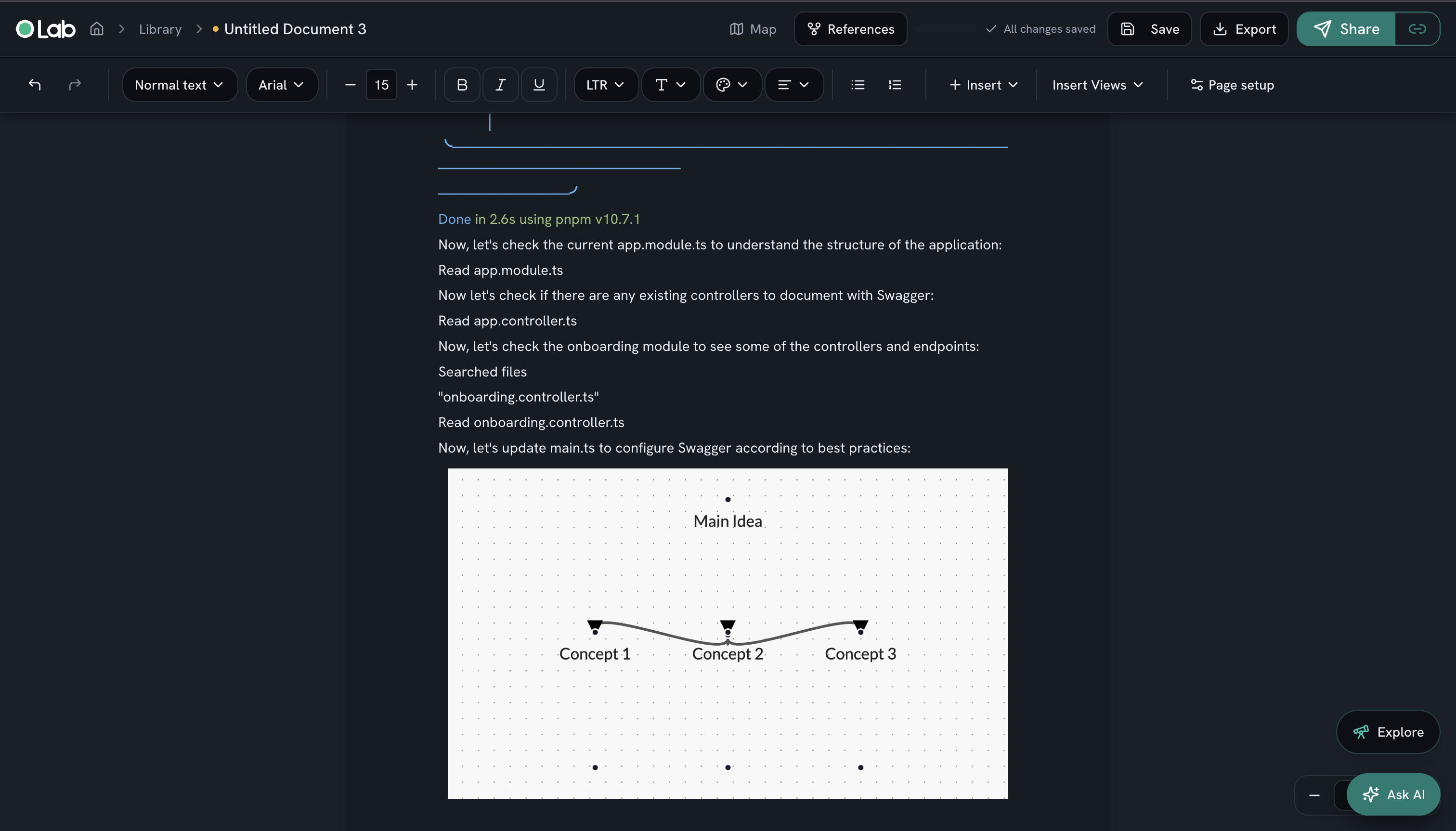
I integrated Tiptap for rich-text editing and extended it through a custom fork to support the multi-page document functionality OLAB required.
The required editing experience went beyond the editor’s existing capabilities, so I worked directly on the editor implementation to support documents spanning multiple pages. I also implemented automated PDF exports so documents could be shared and used outside the platform.
AI-assisted workflow creation and editing
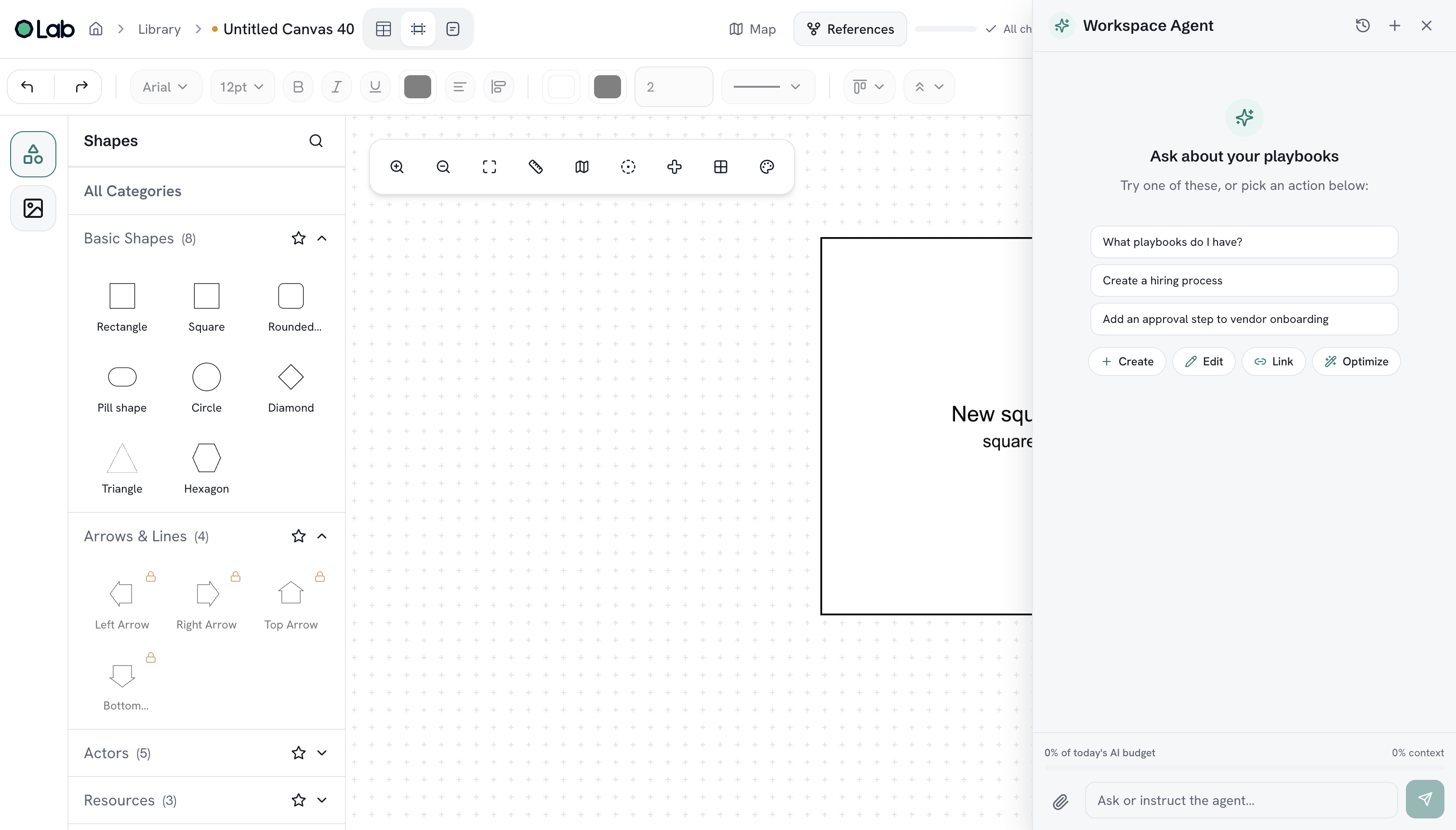
I integrated Claude through LangChain to support AI-assisted workflow creation and modification.
The AI functionality allowed users to generate flows from descriptions and make changes to existing workflows. This connected natural-language input with the platform’s visual workflow experience.
OLAB’s AI capabilities also included retrieving information from historical documents, helping users find relevant context without manually reviewing each document.
My role and responsibilities
As the software engineering lead, I took OLAB from its initial concept into implementation. My responsibilities covered both the overall application structure and the development of its core features:
- Designing the application architecture and developing the platform from scratch.
- Building the frontend with Next.js, React, and TypeScript.
- Developing the React Flow-based workflow canvas.
- Implementing relational tables with linked records, rollups, custom and computed columns, filters, and synchronized views.
- Forking and extending Tiptap to support multi-page document editing.
- Implementing automated PDF exports.
- Working with Supabase and PostgreSQL for backend and data functionality.
- Integrating LangChain and Claude for workflow generation, editing, and historical-document retrieval.
- Building the interface with Tailwind CSS and shadcn/ui.
- Integrating PostHog for product analytics.
Technical architecture and stack
The application used Next.js, React, and TypeScript as its core web stack. React Flow powered the workflow canvas, a custom Tiptap implementation handled document editing, and Supabase with PostgreSQL supported the backend and relational-data layer.
Swipe horizontally to view the full table.
| Technology | Use in the project |
|---|---|
| Next.js | Main application framework and foundation for the web platform. |
| React | Interactive frontend components across the canvas, editor, tables, and application interface. |
| TypeScript | Typed application logic, components, and data structures. |
| React Flow | Node-and-edge workflow editor with a visual process-mapping interface. |
| Tiptap — custom fork | Rich-text editor extended to support multi-page documents. |
| Tailwind CSS | Styling, layouts, and visual consistency across the application. |
| shadcn/ui | Reusable interface components. |
| Supabase | Backend platform supporting the application’s data layer. |
| PostgreSQL | Relational database for structured application data. |
| Node.js | Server-side JavaScript stack. |
| LangChain | Orchestration and integration for AI workflows and document retrieval. |
| Claude AI | AI-assisted workflow generation, editing, and contextual information retrieval. |
| PostHog | Product analytics. |
Key engineering challenges
A major part of the work was bringing three different interaction models into one application: a visual canvas, a document editor, and relational tables. Each required its own behavior and data handling while contributing to the same process-documentation experience.
The document editor required deeper customization than a standard library integration. I extended Tiptap itself to deliver the multi-page functionality the product needed. The structured-data features introduced additional complexity through record relationships, derived values, rollups, and synchronized views. The AI integration added another layer by supporting changes to workflow content and retrieval from existing documents within the application.
Links and status
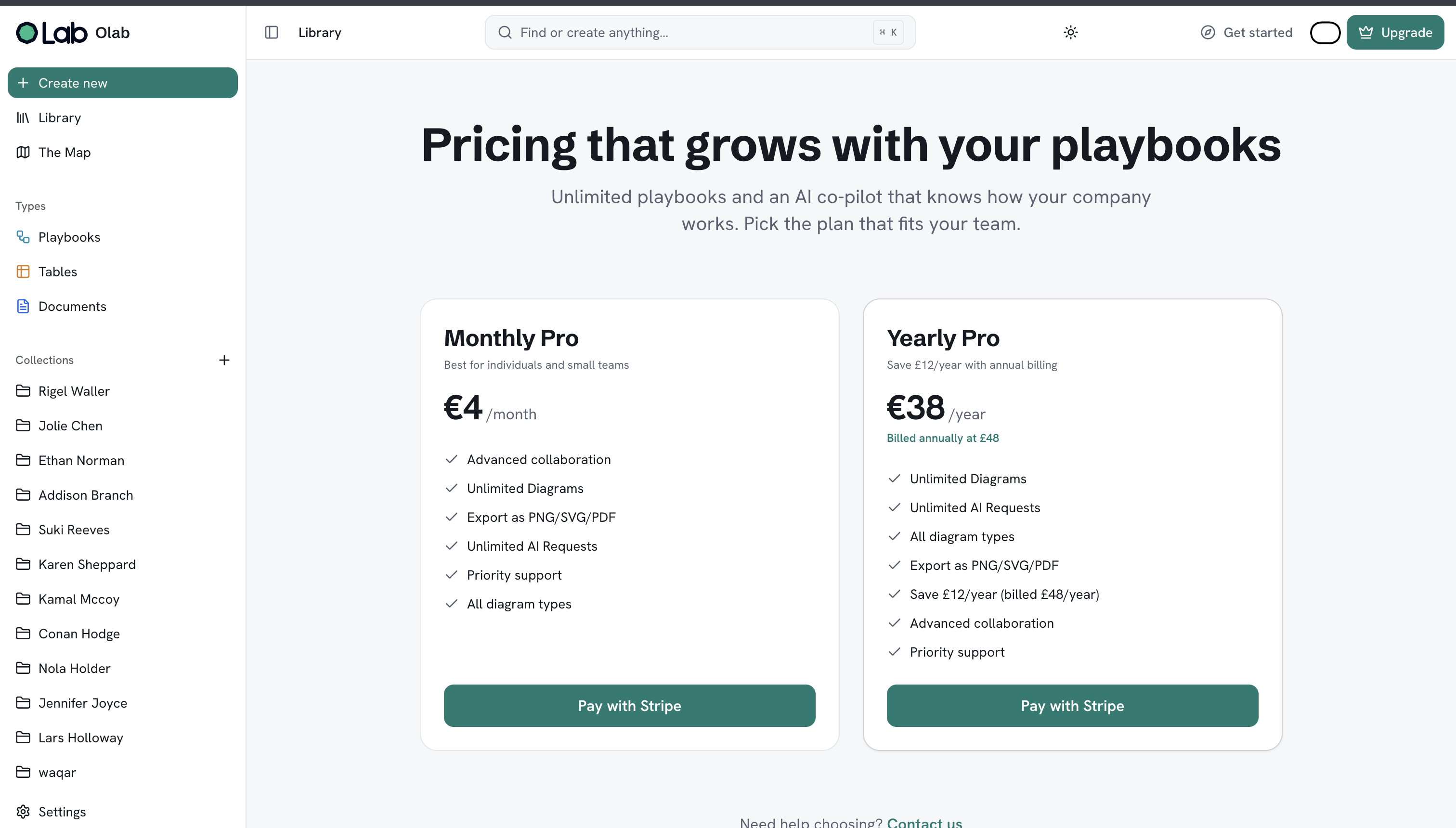
OLAB is part of the active project set. Visit the OLAB website or OLAB application to see the public product surfaces. The screenshots below document the website, library, editor, canvas, structured tables, workspace agent, and pricing views.
THE STACK
Built with
A look at the product
Selected screens
Continue exploring
Related work and field notes
Want to talk about a product?
I enjoy working through product constraints, technical decisions, and the details that make a system dependable.
Get in touch